Processing...
Free Online PDF Editor – Edit, Annotate & Download PDF Files

Free Online PDF Editor — Edit PDF Files in Your Browser

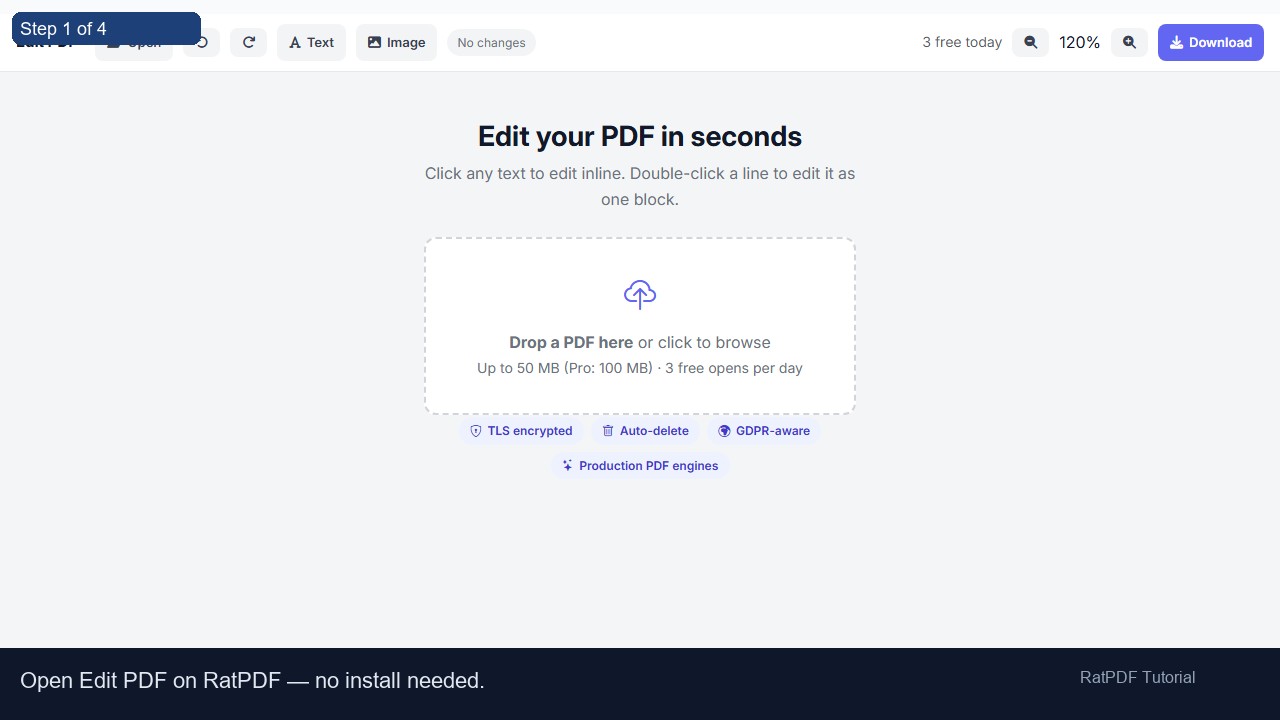
Edit any PDF document instantly without downloading software. Our free online PDF editor lets you open a PDF, modify text and images, change fonts, add links, and download your updated file — all inside your web browser.

How to Edit a PDF Online

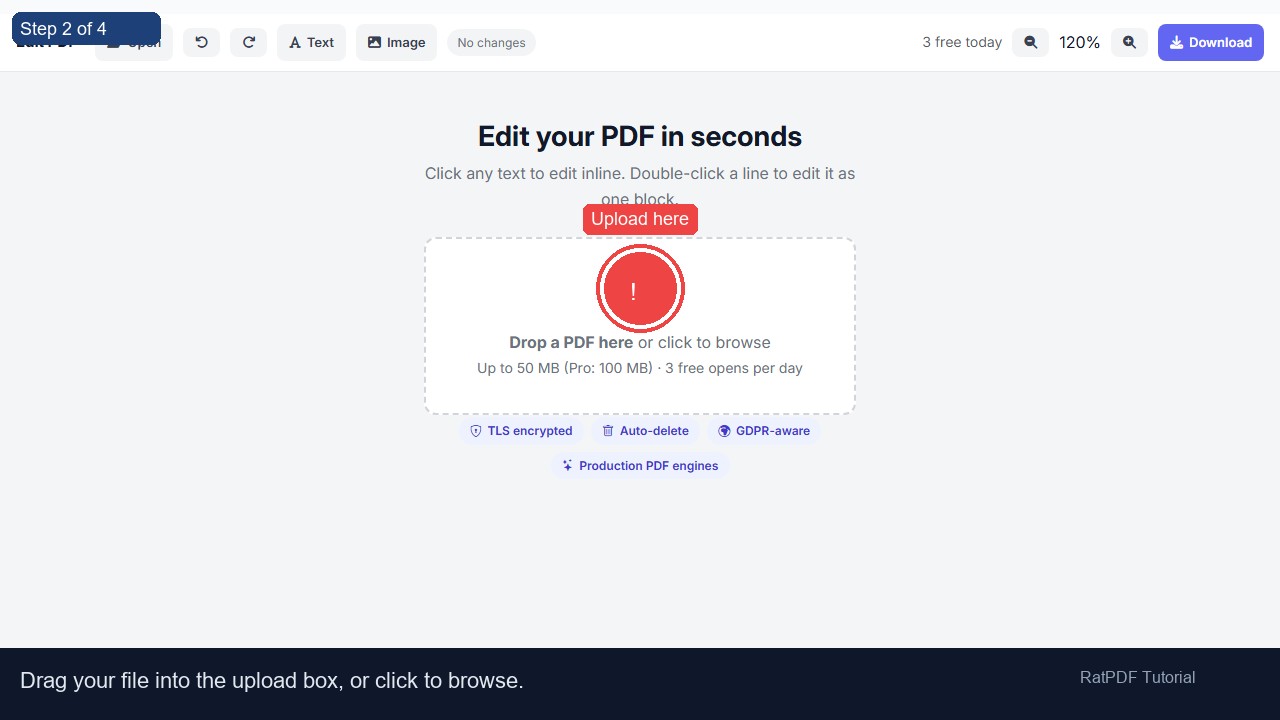
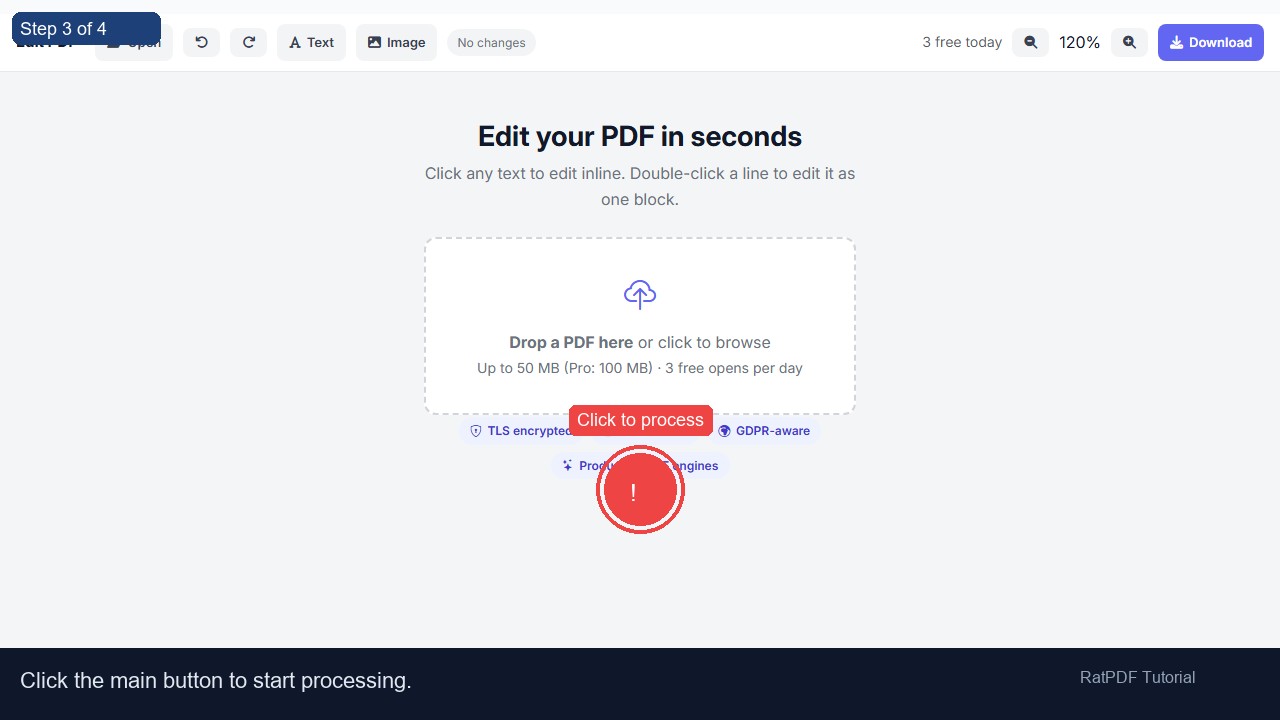
  1. Click Import PDF and choose the PDF file from your computer.
  2. Use the toolbar to edit text — change fonts, size, bold, italic, color, and alignment.
  3. Insert images or hyperlinks using the toolbar buttons.
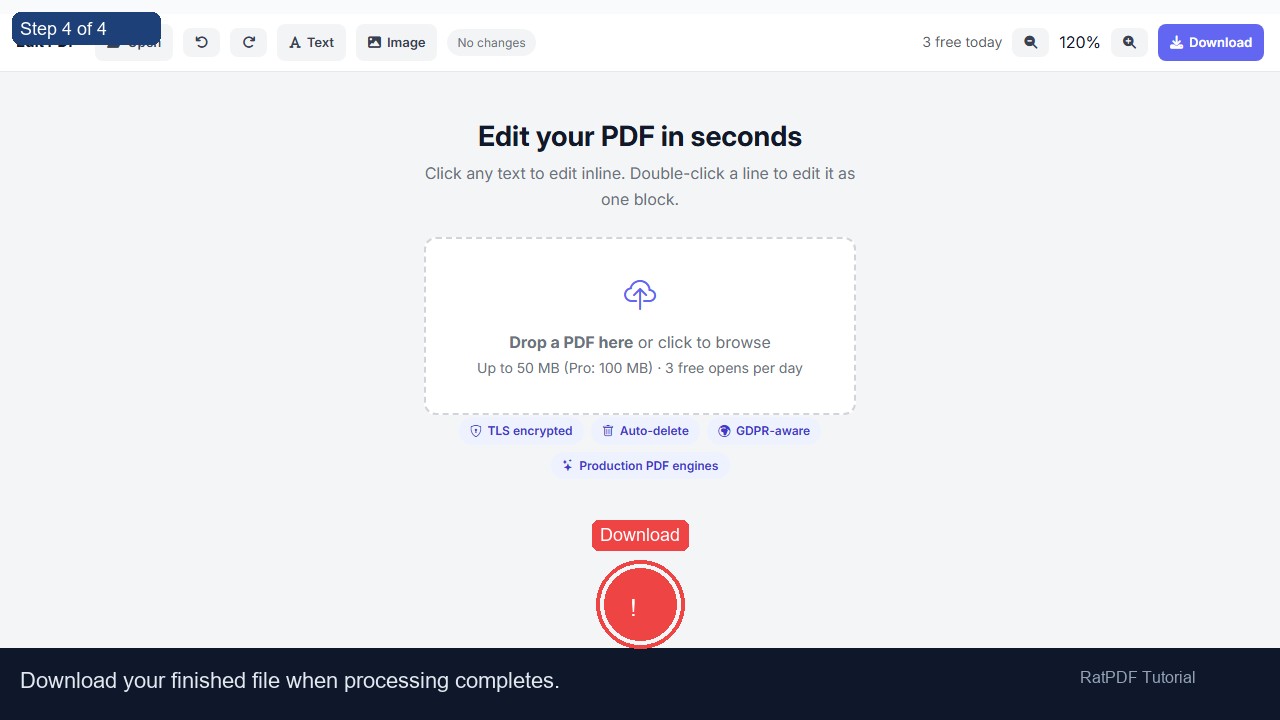
  4. Click Download PDF (or press Ctrl+S) to save your edited document.

Features of Our PDF Editor

Why Use Our PDF Editor?

Frequently Asked Questions

Can I edit a PDF online for free?

Yes — our tool is completely free. No credit card, no account, no software to install. Upload your PDF, edit it, and download.

Do I need Adobe Acrobat to edit a PDF?

No. Our PDF editor is a browser-based alternative to Adobe Acrobat. You can edit and download PDFs without any Adobe software.

Can I add images to a PDF online?

Yes. Click the image button in the toolbar to insert JPG, PNG, or GIF images anywhere in your PDF document.

Is my PDF file safe and private?

Your file is processed in your browser session and is not permanently stored on our servers.

What browsers are supported?

The PDF editor works on all modern browsers — Google Chrome, Microsoft Edge, Firefox, and Safari — on desktop and laptop computers.