How to use Merge PDF
Step-by-step slides with click markers — follow along on the Merge PDF tool page.
How to use Merge PDF
All slides →4 step slides · red markers show where to click
 1
1
 2
Upload files
2
Upload files
 3
Reorder list
3
Reorder list
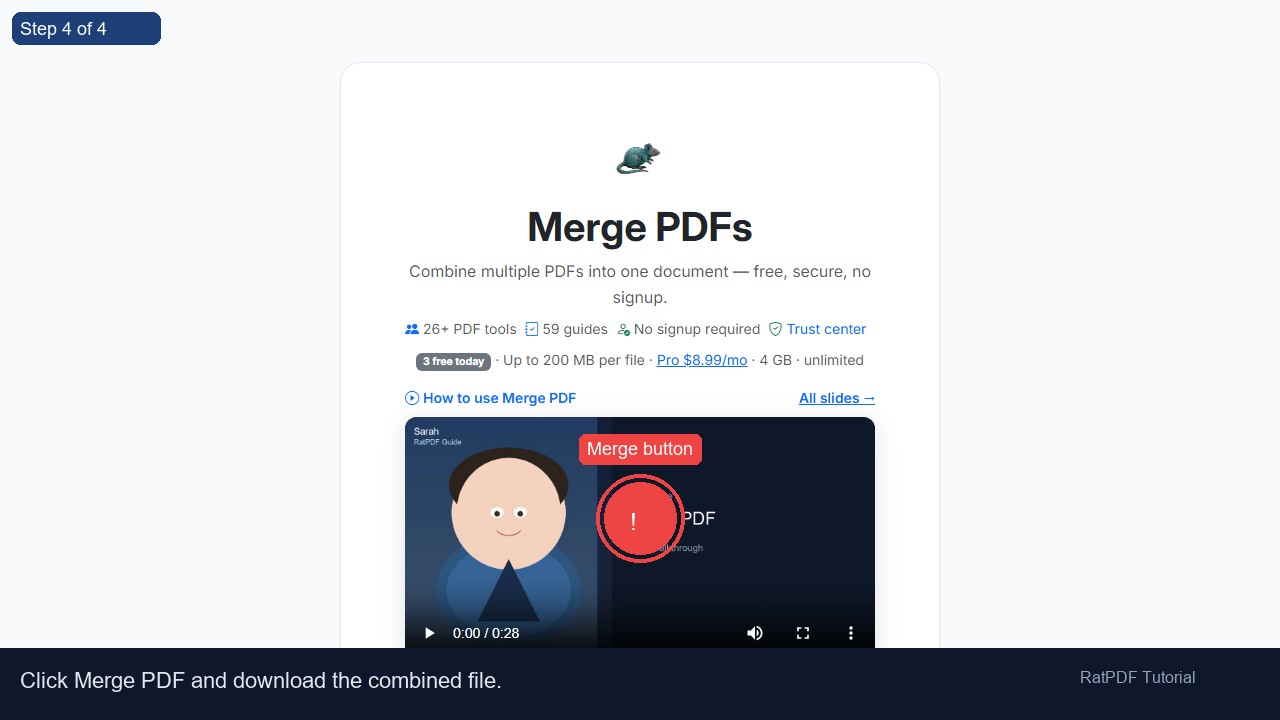 4
Merge button
4
Merge button
Tutorial slides — where to click