Processing...

How to use Split PDF

Step-by-step slides with click markers — follow along on the Split PDF tool page.

How to use Split PDF

All slides →

4 step slides · red markers show where to click
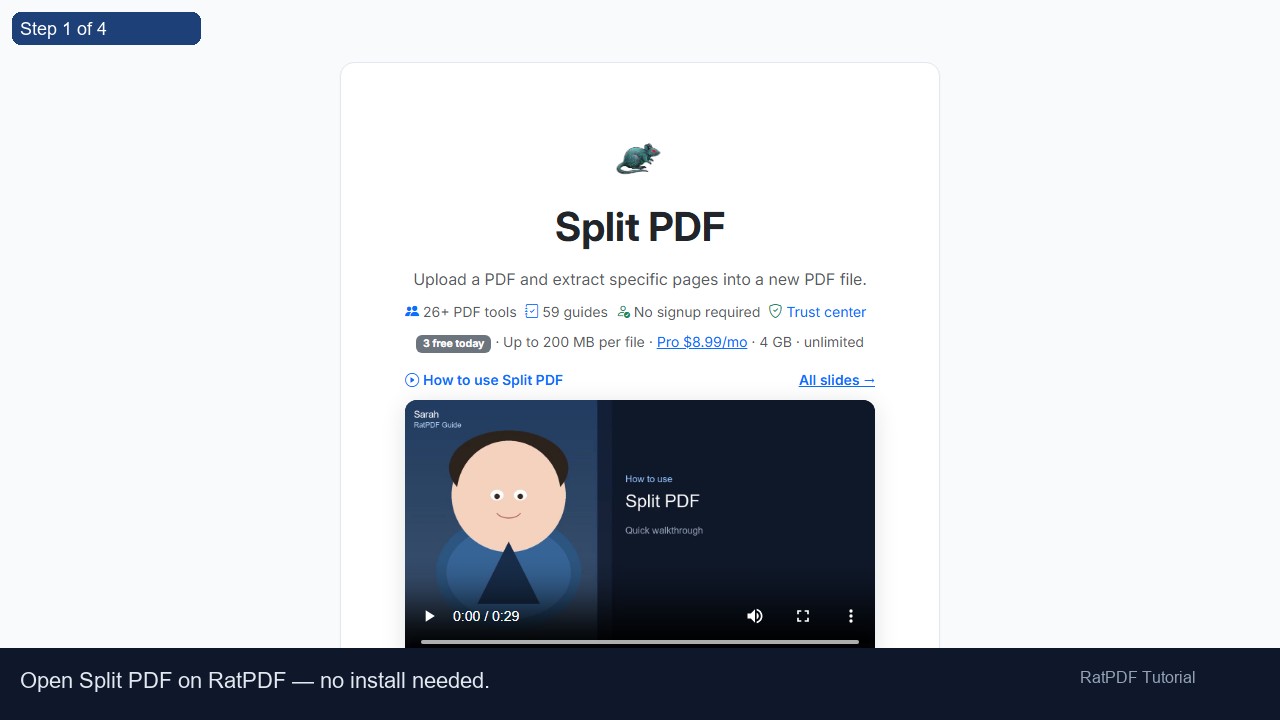
Step 1 1
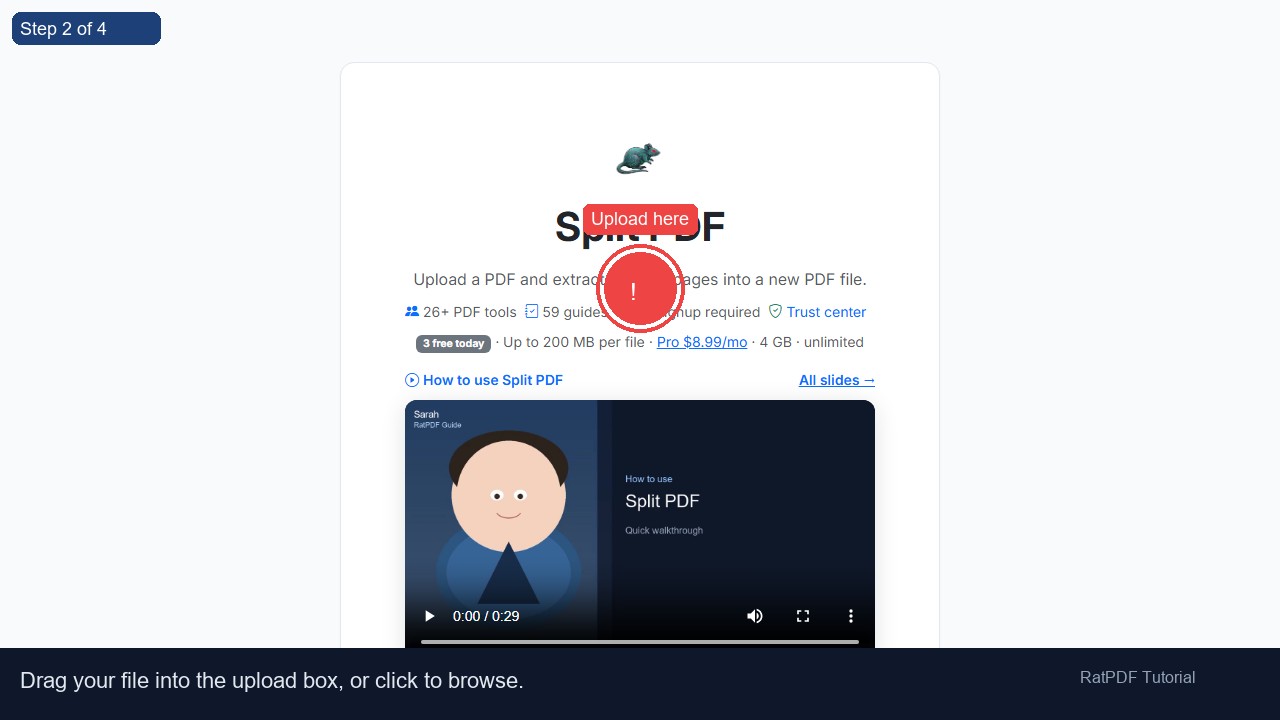
Step 2 2 Upload here
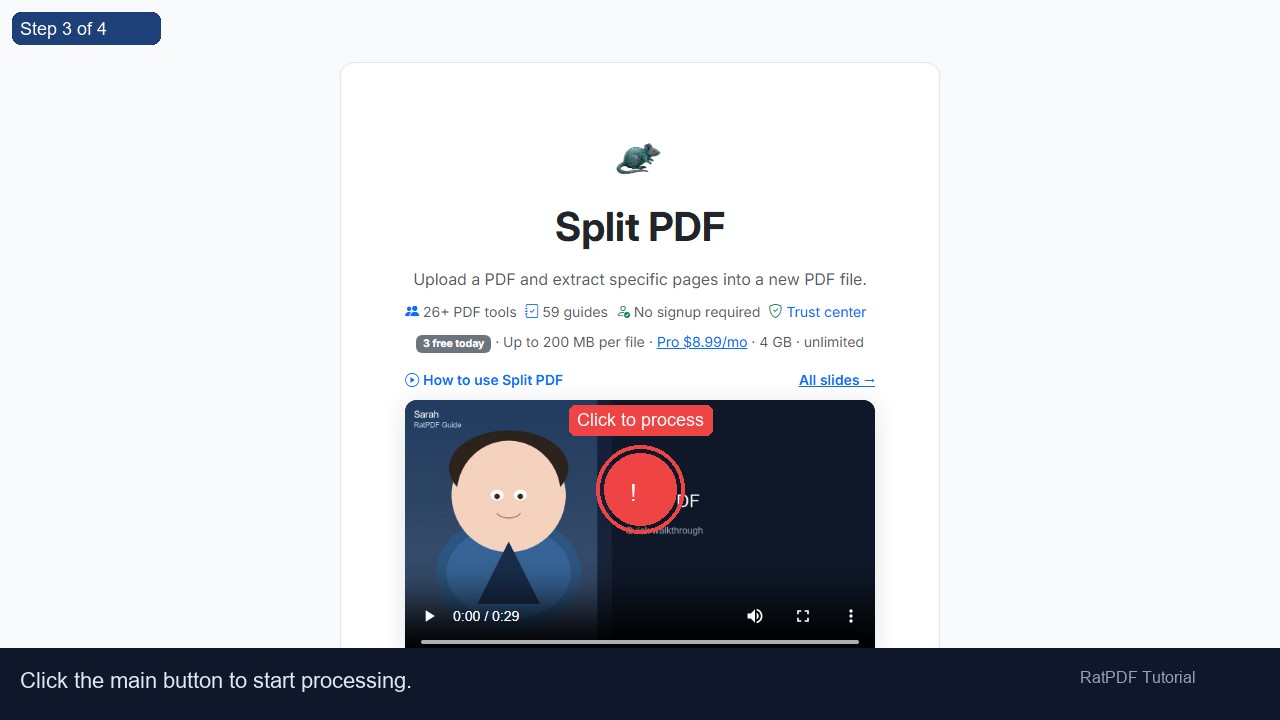
Step 3 3 Click to process
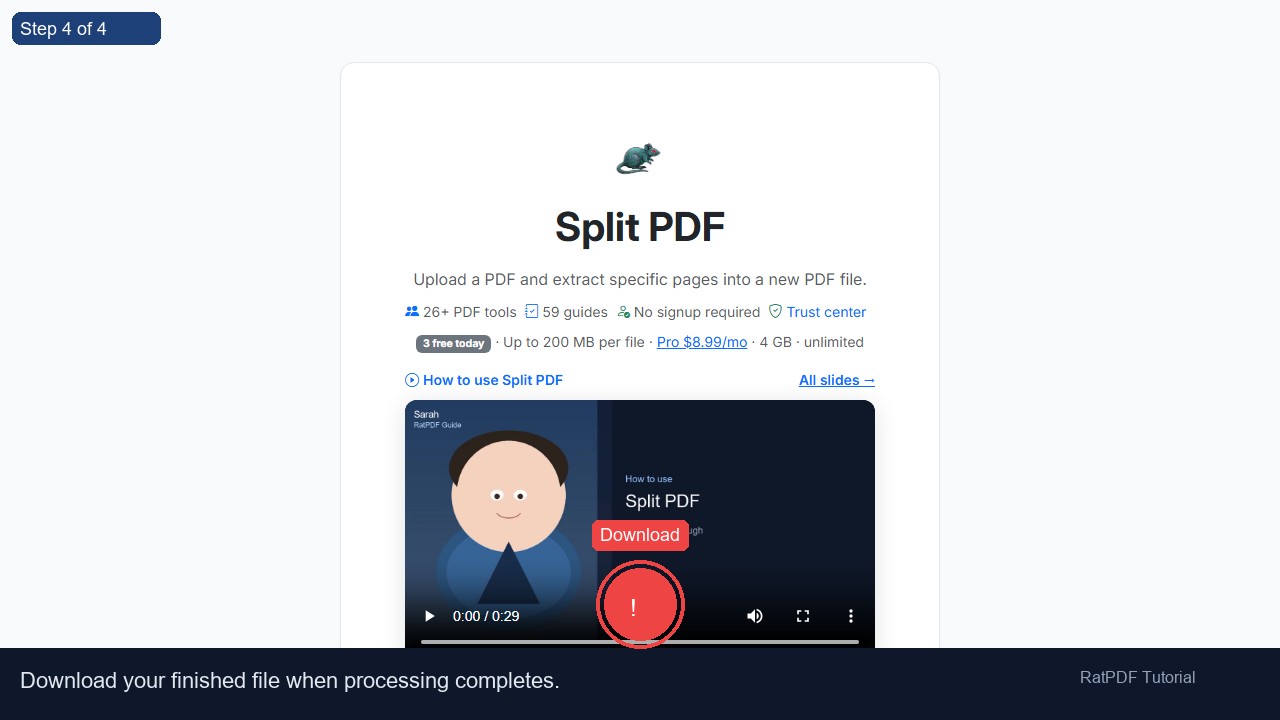
Step 4 4 Download

Tutorial slides — where to click

Step 1
Step 1: Open Split PDF on RatPDF — no install needed.
Step 2
Step 2: Drag your file into the upload box, or click to browse. Click: Upload here
Step 3
Step 3: Click the main button to start processing. Click: Click to process
Step 4
Step 4: Download your finished file when processing completes. Click: Download